Every source.
One video wall.
RAMsys View+ brings cameras, maps, web applications, images and operational information together on the control-room video wall — managed entirely through software.
Bring every source into one view
Combine live video, web content, applications, images and information feeds inside one flexible viewing environment.
Try it — tap a window, then choose a source.Try it — select a window to replace its source, or drag sources in, move, resize and overlap them.
Source Library
Choose a source for Window 1
Live Workspace
Tap a window, then choose its source
Source Library
Available sources
Select a window, then click a source to replace it. Drag onto a window to replace, or onto empty space to add.
Multi-Source View
VIEW+ Workspace
Replace sources, then move, overlap and resize each window freely.
CAM 01
Live Video
Window 1
Web Portal
Web
Window 2
Operations Dashboard
Web
Window 3
Site Map
Image
Window 4
Conceptual interface
Interface visualisation is illustrative. RAMsys interfaces are configurable and may vary according to deployment, user role and system requirements.
Build the view you need.
Arrange, preview, publish.
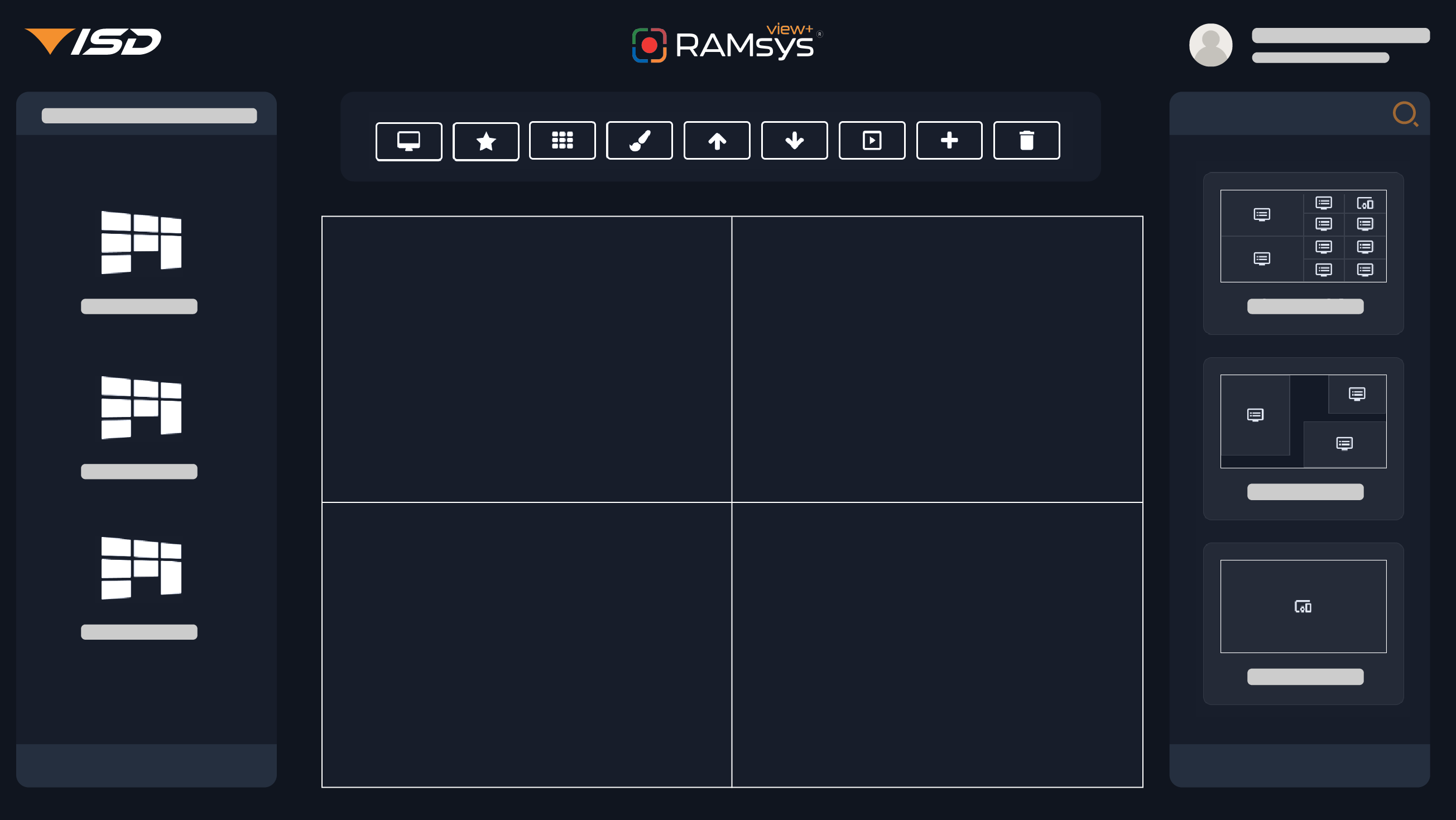
Choose a layout, arrange your sources, preview the result and publish it to the video wall.
Choose a layout preset to update the live wall preview.
Live Preview
Demo Wall 01 · Custom
World News · Latest headlines from configured RSS feed
Demo Wall 01
Custom layout
World News · Latest headlines from configured RSS feed
Conceptual interface
Interface visualisation is illustrative. RAMsys interfaces are configurable and may vary according to deployment, user role and system requirements.
One VIEW+.
Multiple walls across your premises.
Manage multiple independently configured video walls within the same premises — whether they are located in control rooms, meeting rooms or other operational spaces.
Central Management
RAMsys View+
Control Room 01
Video Wall 01
Control Room 02
Video Wall 02
Meeting Room 01
Video Wall 03
Meeting Room 02
Video Wall 04
Central Management
RAMsys View+
Control Room 01
Video Wall 01
Control Room 02
Video Wall 02
Meeting Room 01
Video Wall 03
Meeting Room 02
Video Wall 04
One system. Independent outputs.
Each video wall can use its own layout and sources while remaining centrally managed through RAMsys View+.